
Wine drinking window app
A wine drinking window app answers the question that comes up at six on a Friday: which of these is ready?
Every bottle you scan into Cellar gets a suggested window and a plain reading of where it sits in that window now.
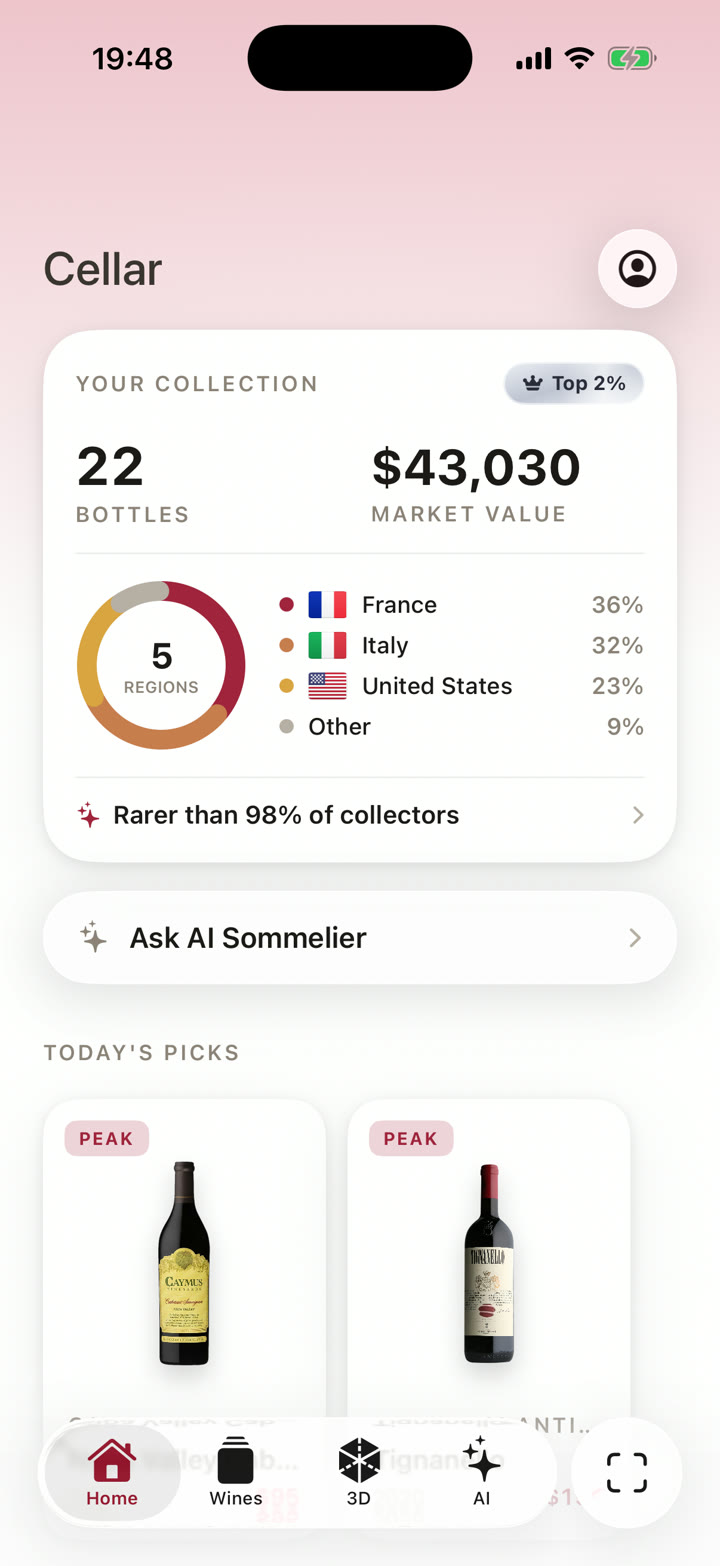
Bottles that are ready surface on the home screen without being asked for.
Get Started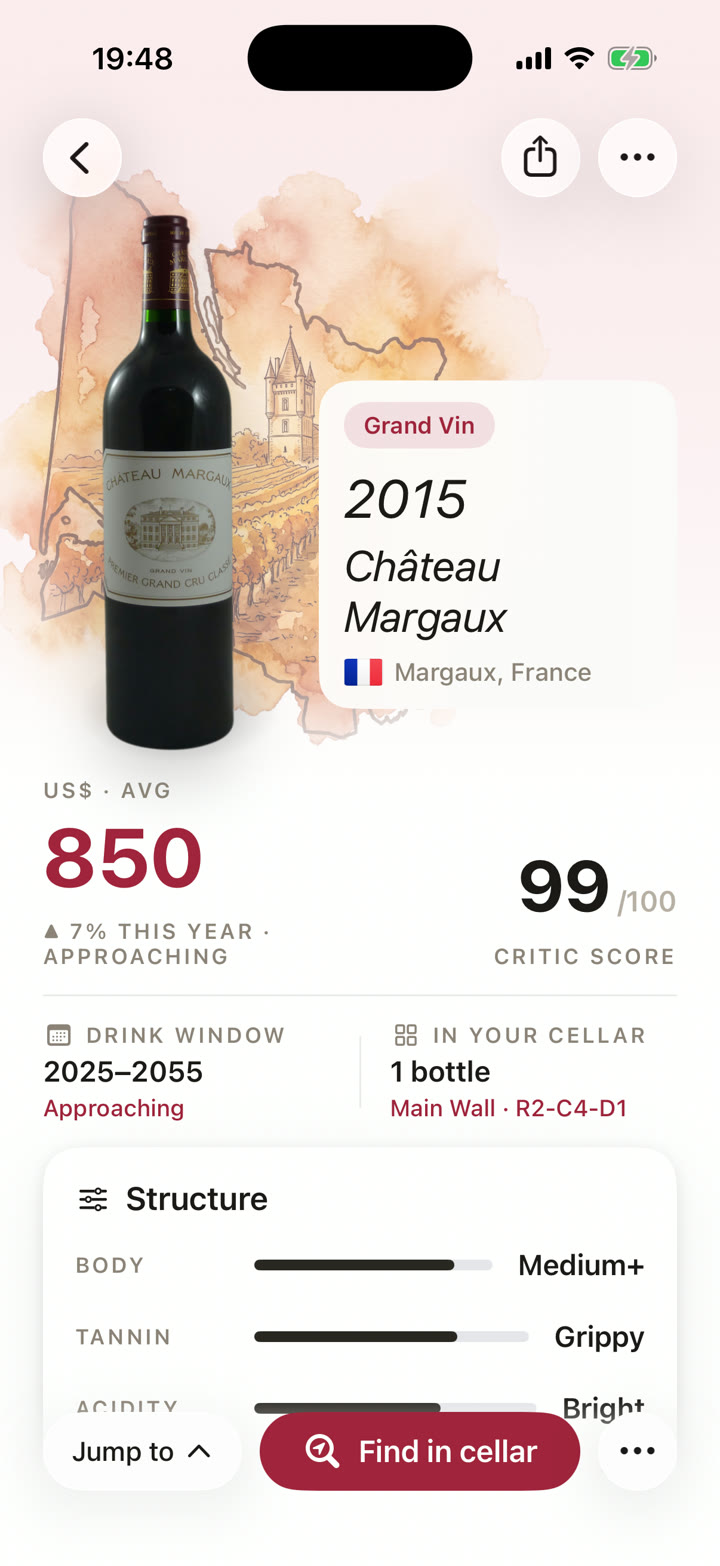
What the window tells you
Each bottle shows a range of years and a state:
- Too young. Structure has not settled yet.
- Approaching. Drinkable, still improving.
- Drink now. Inside the window it was made for.
- Past peak. Still wine, no longer gaining.
The state moves on its own as the wine ages, so a bottle you scanned three years ago reads differently today.
The bottle you forgot you owned
The expensive mistake is the bottle at the back of a rack that quietly went past its best year while you were looking for a different one.
Cellar surfaces those. The home screen lists what is at peak from your own collection, so a bottle in its window gets seen while it is still in it.
Treat a window as a shortlist rather than a verdict. How a bottle ages depends on storage, closure and vintage, and how wine ages is a genuinely unsettled subject. Trust your own palate over the dates.
Asking instead of reading
Cellar's sommelier works from your collection rather than a shop's catalogue. It knows what you own, where each bottle is, what the critics gave it and whether it is inside its window.
So ask it in plain words: what is in peak condition, what should I open tonight, what goes with what you are cooking.
Where the windows come from
Cellar attaches the window when it identifies the bottle, drawing on what is published about that wine in that vintage rather than applying a formula to the grape.
So a 2015 and a 2016 of the same wine come back with different windows.
If you disagree with a window, or you know how a case has been stored, edit it and Cellar keeps your version.
Scan the next bottle you pick up. The collection builds from there.
Get Started