
Every bottle you own. And the one to open tonight.
Scan a bottle and Cellar records what it is, what it's worth and where it's stored. Adding one takes less time than putting it back on the rack.
Get Started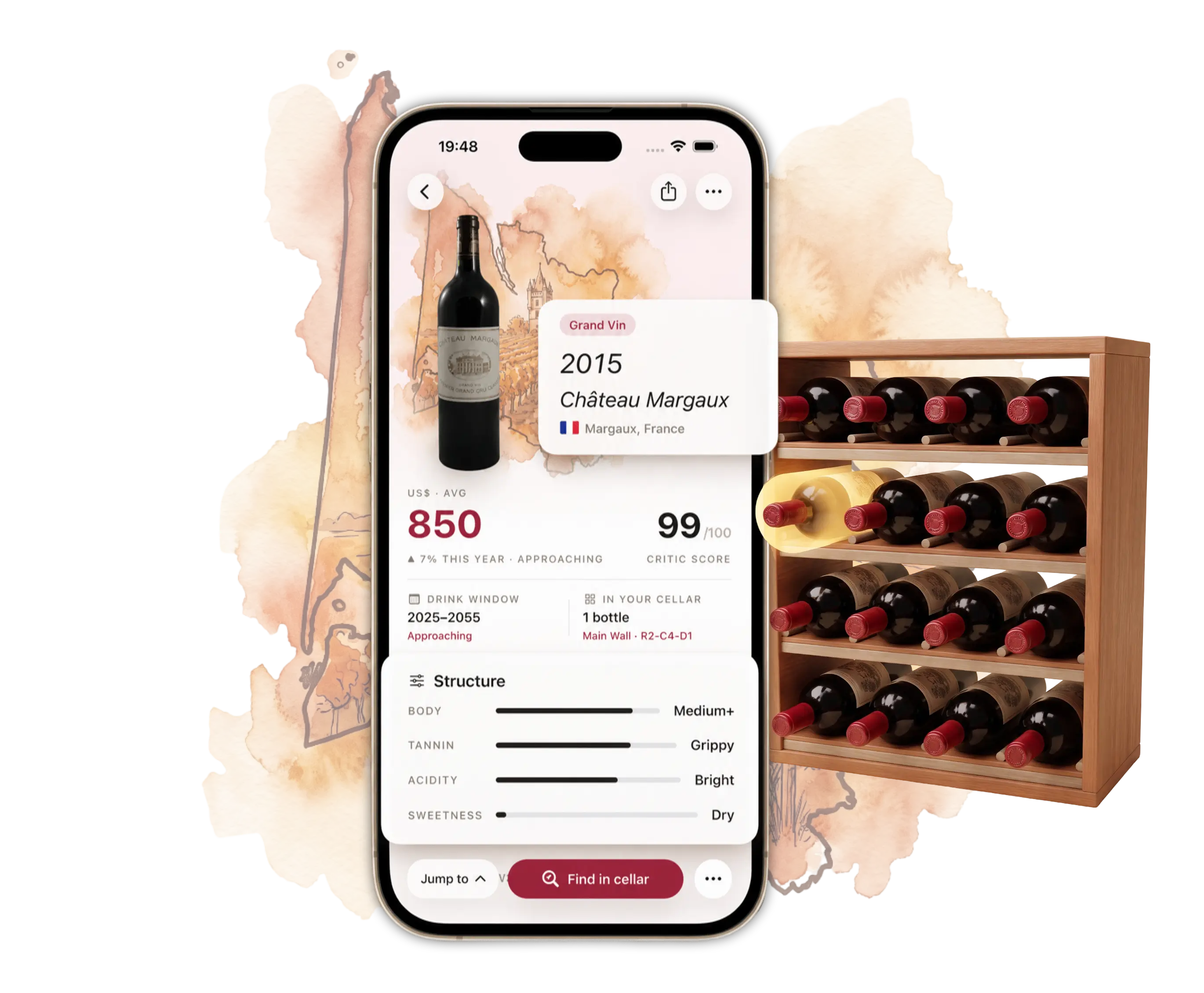
Your collection keeps changing. Your record of it doesn't.
Lost bottles
“I know I own it, but I can't find it.”
Missed windows
“I should have opened this years ago.”
The spreadsheet lie
“It says I have three. I count one.”
You reach for a bottle you've been saving. The one from that trip, the one you were saving for something. It isn't where you left it. Maybe you moved it. Maybe you already drank it. You're not sure.
At the back of the same rack there's a wine you forgot you owned, going quietly past its best year while you look for the other one.
Every bottle you buy, move, give away or open changes your collection. A spreadsheet only changes when you remember to change it. Everything that goes missing goes missing in the gap between those two things.
The wines worth remembering are already yours.
You shouldn't have to run a database to enjoy them.
Point your camera at the label.
Scan the bottle in your hand right now. Cellar reads the label and fills in the rest.
- Producer, vintage, region and grape
- An estimated market value
- Critic scores
- A suggested drinking window
- What to serve it with
Nothing to type, nothing to look up, no form to fill in.
If a label doesn't come back right, correct it in a tap and Cellar keeps your version.
I put off setting it up because I pictured myself typing labels for an hour. Ended up scanning everything while making coffee. Maybe ten minutes.
Every scan builds something you never sat down to build.
The first scan answers a question about one bottle.
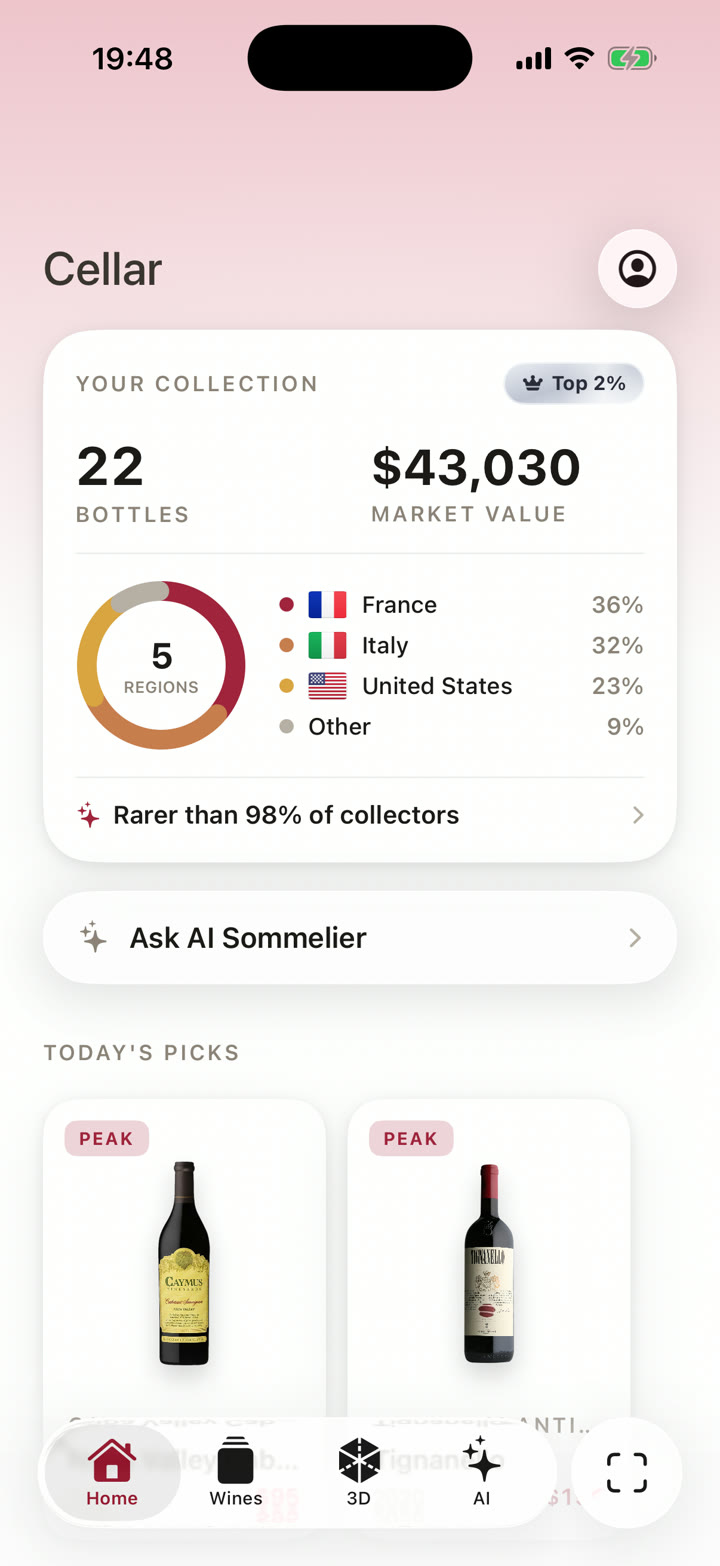
The fifth starts to show you what you own.
The tenth shows patterns. The regions you keep going back to. The vintages you quietly hoard.
The twentieth means you can stand in a wine shop and already know what's on your rack at home.
You never filled in a spreadsheet row. You scanned bottles you were holding anyway.
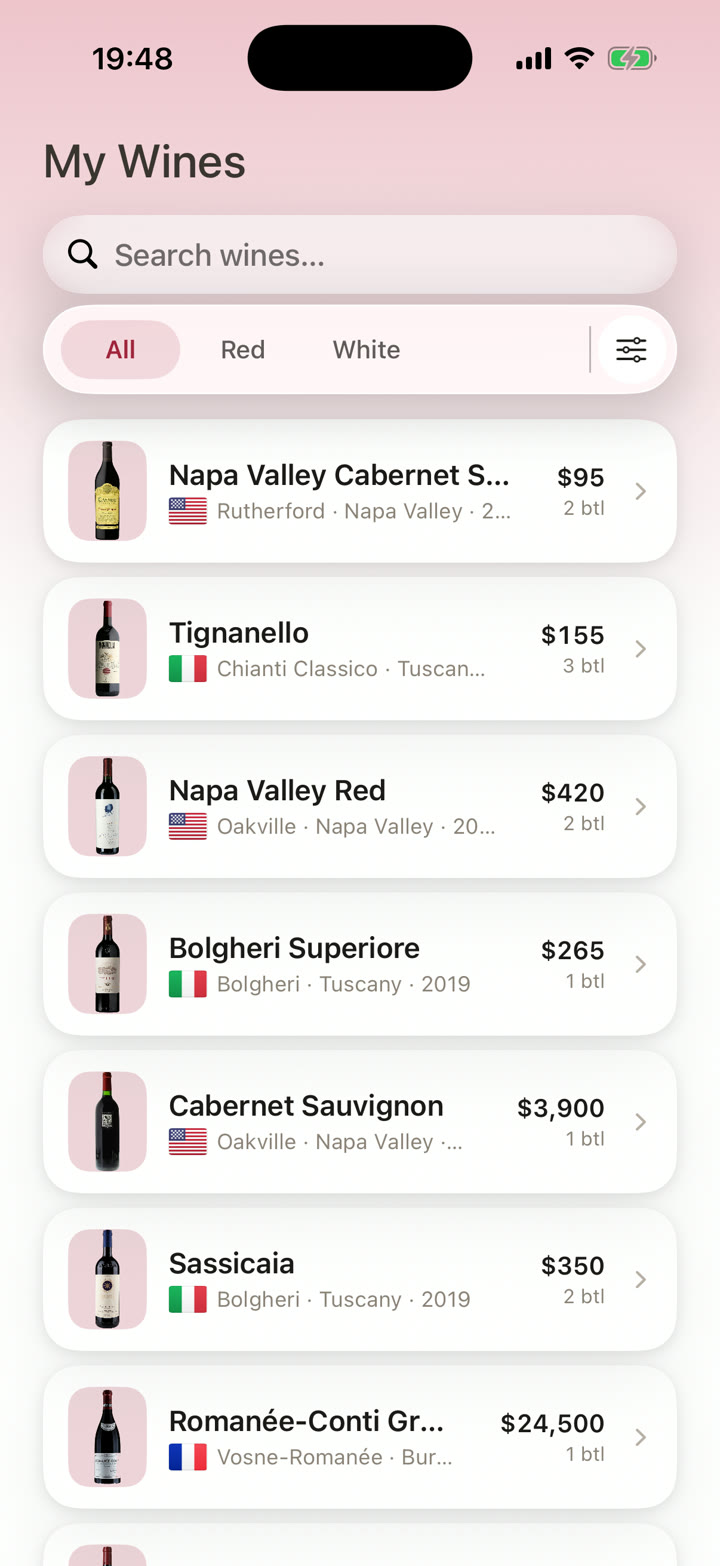
Find any bottle in seconds.
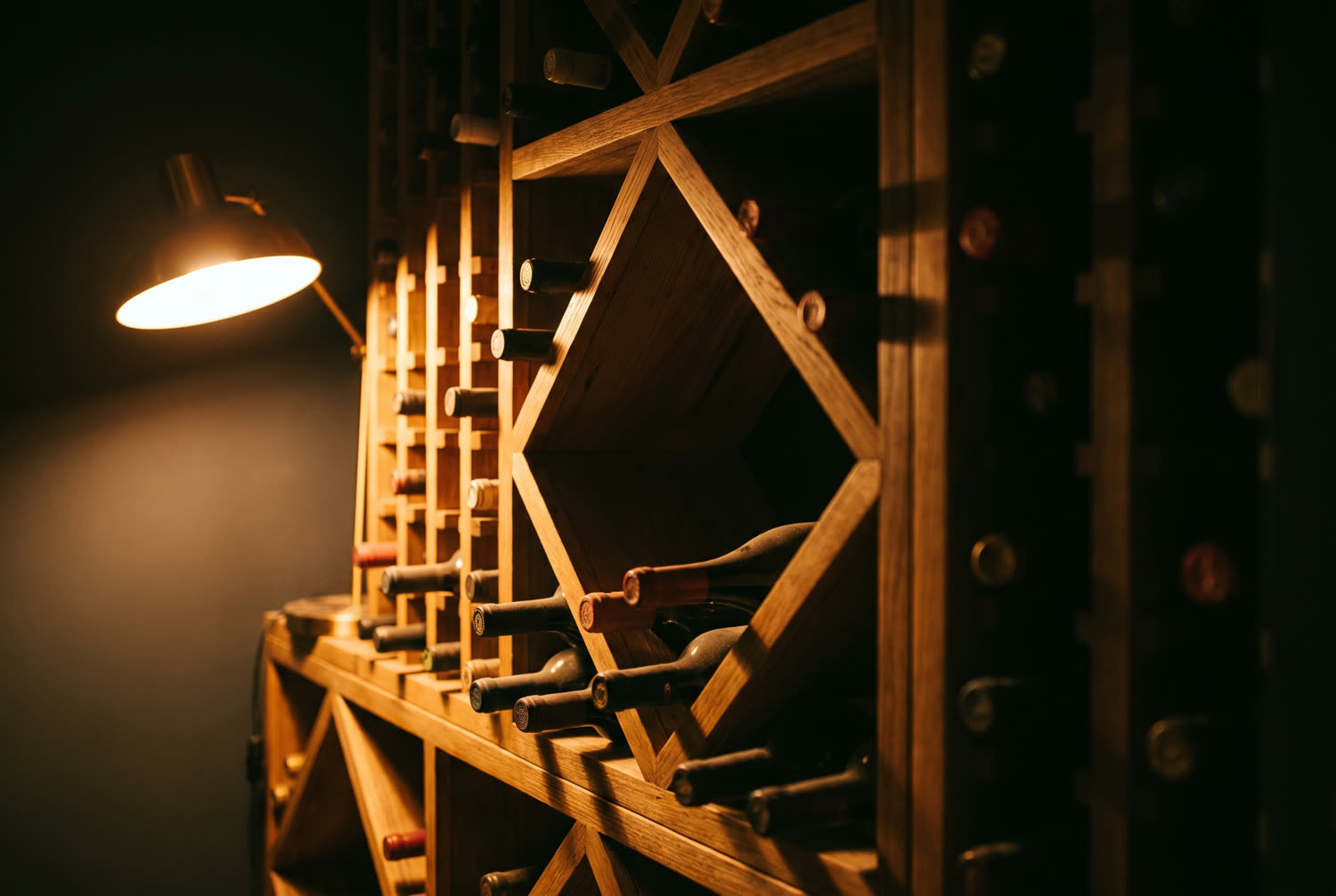
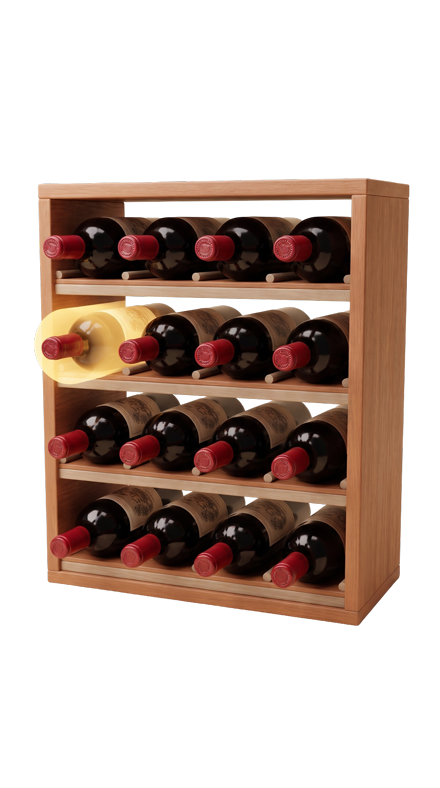
Search by name, region or vintage and Cellar tells you exactly where it's stored.
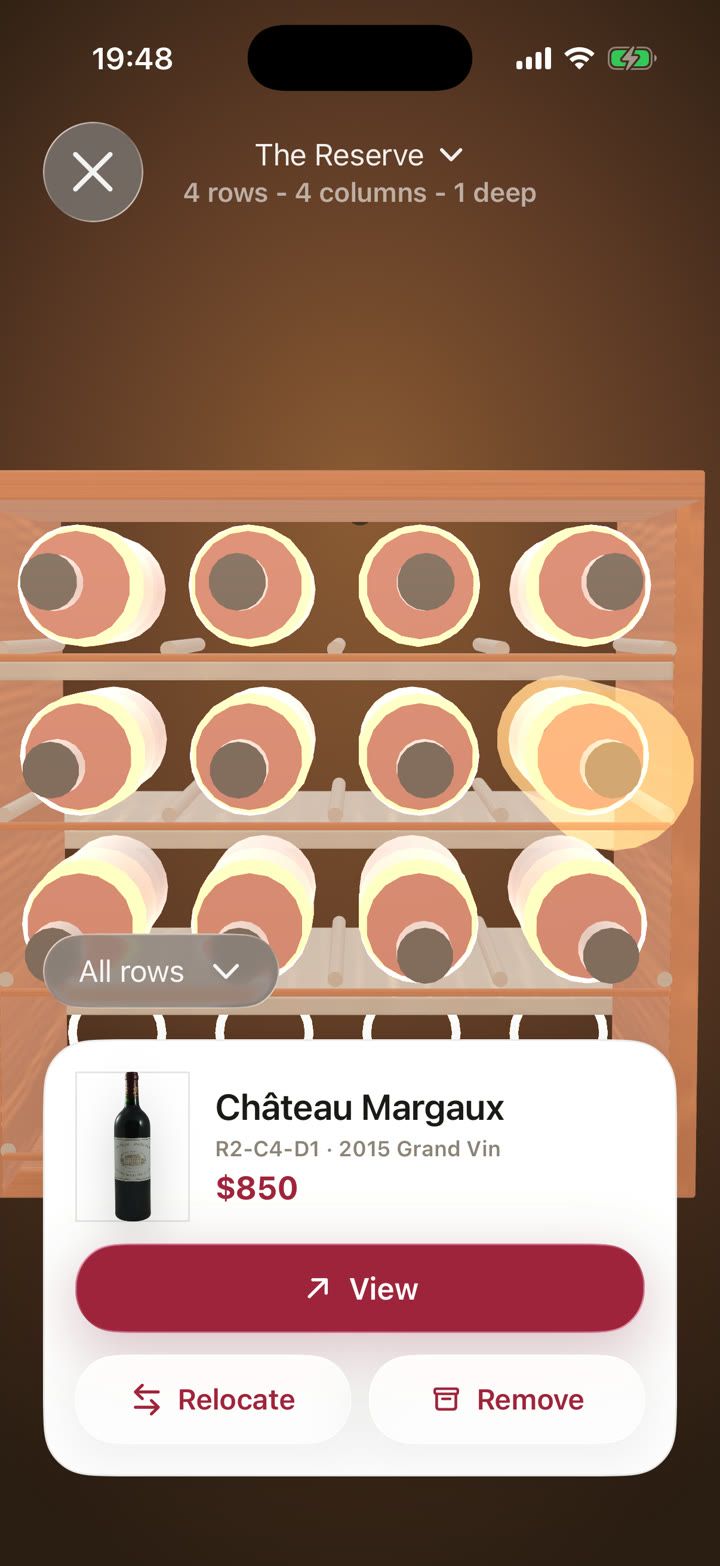
Tap a rack to see everything on it. Scan a new bottle and drop it into its slot. Open one and remove it with a tap.
Removing a bottle costs one tap, so you actually do it. Your last system failed because keeping it true was more work than the truth was worth.
No more “I think it's in the garage somewhere.”
As the collection grows, map your storage in 3D. Racks, bins and fridges, laid out the way yours actually are.
My spreadsheet worked. I just never wanted to open it standing in the cellar with a glass in my hand. The app I actually use while I'm down there.
“What should I open tonight?”
Guests in two hours. Bottles from trips, from gifts, from recommendations, plus the occasional impulse buy. You know some of them well. Most you'd have to look up.
So ask instead.
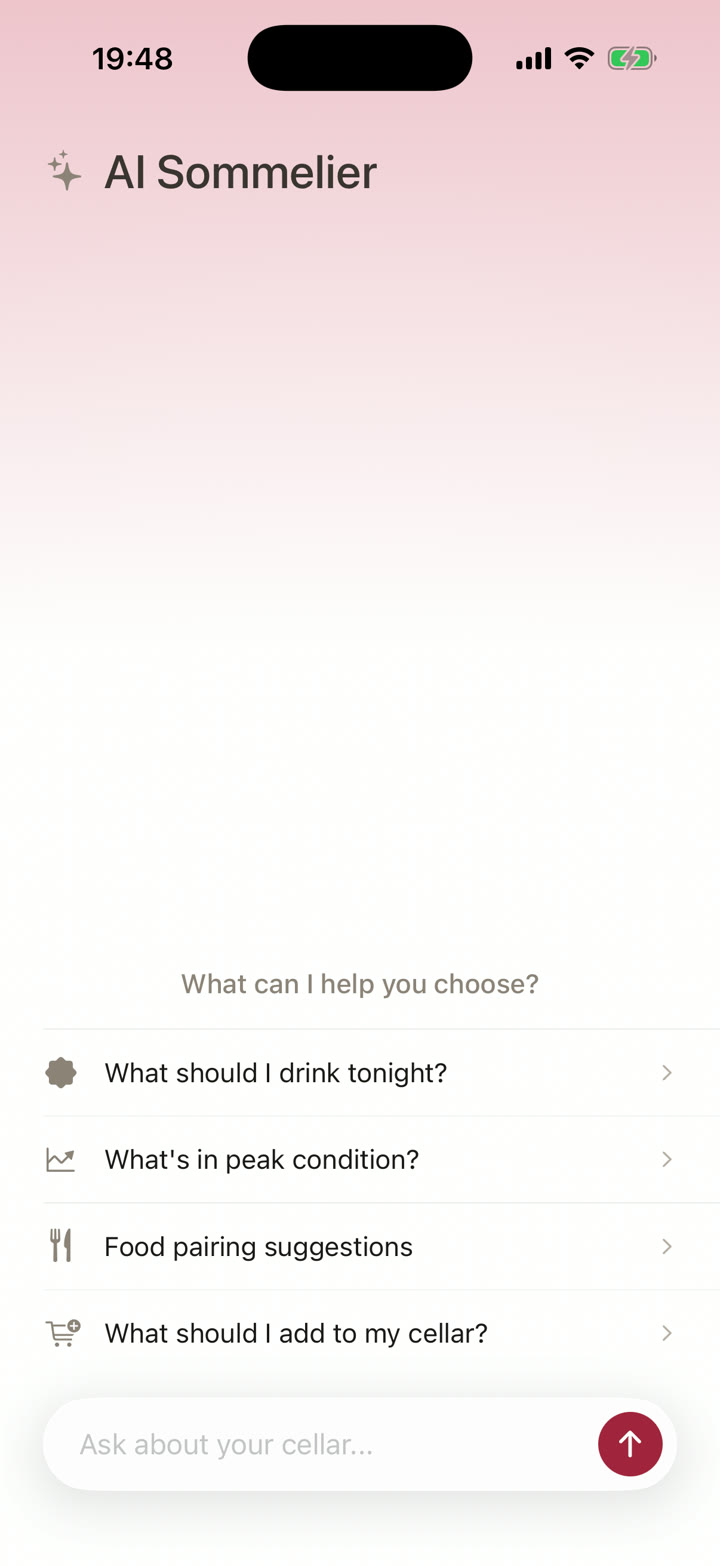
Cellar's sommelier knows your collection. What you own, where each bottle is, what the critics gave it, whether it's inside its drinking window, what it goes with.
- “What should I drink tonight?”
- “What's in peak condition?”
- “Food pairing suggestions.”
- “What should I add to my cellar?”
Every answer comes out of bottles you already own, not a shop's catalogue.
Other wine apps manage a collection. Cellar helps you drink one.
The category treats a cellar like an asset register. Custom fields, tags, filters, saved views, market value, a reconciliation you'll do twice and then stop doing.
None of that is why you bought the wine.
Cellar keeps the record accurate in seconds, then answers the only question that comes up at six on a Friday: which one of these is ready?
You don't need to enter your whole collection.
Scan the next bottle you pick up. That's day one.
You'll scan another when something in a shop catches you, another when you open something worth remembering, another when you're rearranging a shelf and find a bottle you'd forgotten about. The cellar builds itself around the wine you're already handling.
Bring your collection with you. Import from CellarTracker, Vivino or a CSV and start from where you are.
You own enough for this. If you've ever lost track of a bottle, you own enough. Two hundred bottles you can search beats two thousand rows you stopped updating in 2023.
Your data stays yours. Export the full collection whenever you want. If you ever leave, your records leave with you.
Give your cellar a memory.
You started with one scan. Now you know what you own, where each bottle sits, which ones are ready and what to open tonight.
Every new scan makes it better. Drinking windows move as the wine ages. Value estimates follow the market. The sommelier learns what you own and what you actually open.
Downloaded it for the scanner. Kept it for everything else.